


Introduction
In today’s competitive business environment, building strong customer relationships is more important than ever. Whether you own a small startup, a growing online store, or a large enterprise, managing customer interactions efficiently can make a significant difference in your success. This is where CRM software comes into play.
Choosing the right CRM software can help streamline operations, improve customer satisfaction, increase sales, and support long-term business growth. However, with so many options available in the market, selecting the best solution can feel overwhelming. This guide will help you understand CRM software and provide practical steps for choosing the right CRM for your business.
What Is CRM Software?
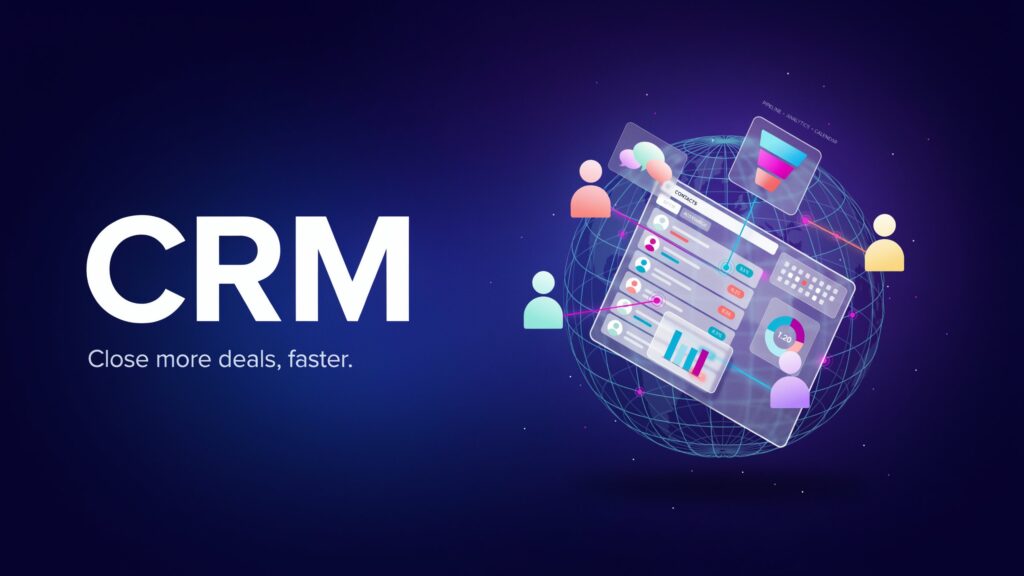
CRM (Customer Relationship Management) software is a tool that helps businesses manage and improve their relationships with customers and prospects. It stores customer information, tracks interactions, manages sales activities, automates repetitive tasks, and provides valuable insights into customer behavior.
A CRM system acts as a centralized platform where sales, marketing, and customer service teams can access important customer data. This allows businesses to deliver personalized experiences, improve communication, and make better decisions based on real-time information.
Some common features of CRM software include:
- Contact management
- Lead tracking
- Sales pipeline management
- Marketing automation
- Customer support tools
- Reporting and analytics
- Task and workflow automation
Why Your Business Needs a CRM System
Many businesses start by managing customer information through spreadsheets, emails, or handwritten notes. While this may work initially, it becomes difficult to handle as the business grows.
A CRM system helps businesses:
- Organize customer data in one place
- Improve team collaboration
- Increase sales productivity
- Strengthen customer relationships
- Track customer interactions
- Automate repetitive processes
- Generate accurate reports and insights
The right CRM can save time, reduce errors, and help your team focus on what matters most—serving customers and growing the business.
Identify Your Business Needs
Before comparing CRM solutions, take time to understand your specific business requirements.
Ask yourself the following questions:
- What challenges are we currently facing?
- Do we need better lead management?
- Are we looking to improve customer service?
- Do we need marketing automation features?
- How many employees will use the CRM?
- What is our budget?
Different businesses have different priorities. A small business may need basic contact management, while a larger organization may require advanced automation and analytics capabilities.
Clearly defining your goals will help narrow down your options and prevent unnecessary spending.
Consider Ease of Use
Even the most powerful CRM system will not be effective if your team finds it difficult to use.
Look for software with:
- A user-friendly interface
- Simple navigation
- Easy setup process
- Mobile accessibility
- Clear dashboards
Employees are more likely to adopt a CRM when it is intuitive and easy to learn. Most CRM providers offer free trials or demos, allowing you to test the platform before making a commitment.
Evaluate Essential Features
Not all CRM platforms offer the same features. Focus on the functions that align with your business goals.
Contact Management
The CRM should allow you to store, organize, and update customer information easily.
Sales Management
Look for tools that help track leads, opportunities, and sales performance.
Automation
Automation can save time by handling tasks such as follow-up emails, lead assignments, and reminders.
Reporting and Analytics
Detailed reports help businesses understand customer behavior, monitor team performance, and identify growth opportunities.
Customer Support Tools
If customer service is a priority, choose a CRM with ticket management, live chat, or support tracking features.
Check Integration Capabilities
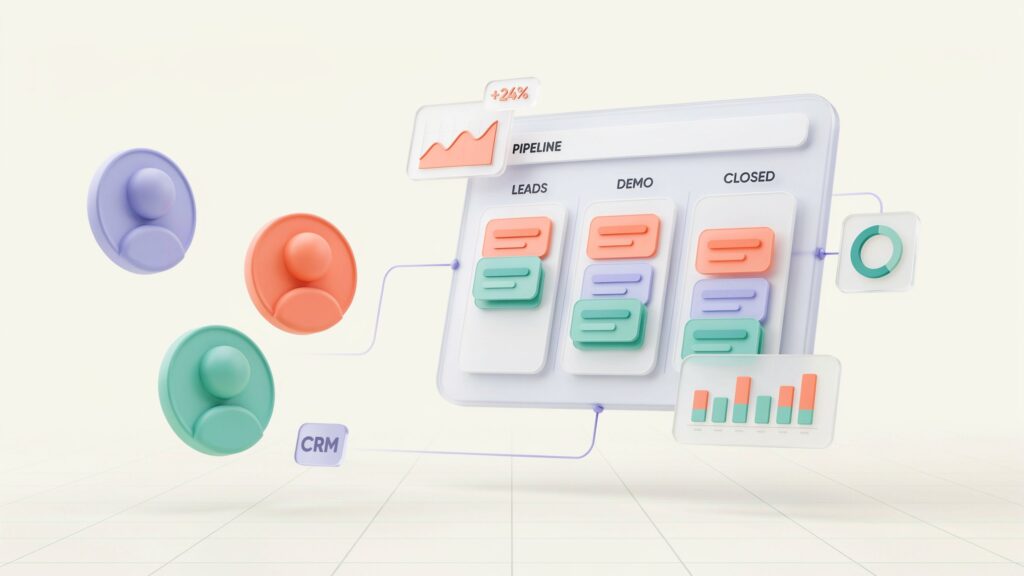
Your CRM should work seamlessly with the tools your business already uses.
Common integrations include:
- Email platforms
- Accounting software
- Marketing tools
- E-commerce platforms
- Social media channels
- Project management software
Strong integration capabilities eliminate data silos and improve workflow efficiency across departments.
Consider Scalability
Your business may be small today, but future growth should be part of your planning process.
Choose a CRM that can grow alongside your business. A scalable CRM allows you to:
- Add more users
- Access advanced features
- Handle larger customer databases
- Support expanding sales and marketing activities
Investing in a scalable solution can help you avoid switching systems later, which can be costly and time-consuming.
Assess Security and Data Protection
Customer information is one of your business’s most valuable assets. Protecting that data should be a top priority.
Look for CRM providers that offer:
- Data encryption
- User access controls
- Regular security updates
- Data backup options
- Compliance with industry regulations
A secure CRM helps protect sensitive customer information and builds trust with your clients.
Compare Pricing and Value
CRM pricing can vary significantly depending on features, users, and subscription plans.
When evaluating costs, consider:
- Monthly or annual subscription fees
- Additional user costs
- Setup charges
- Training expenses
- Premium feature costs
The cheapest option is not always the best. Focus on overall value rather than price alone. A CRM that improves productivity and customer retention can provide a strong return on investment over time.
Read Reviews and Request Demos
Customer reviews can provide valuable insights into the strengths and weaknesses of different CRM platforms.
Pay attention to feedback regarding:
- Ease of use
- Customer support
- Reliability
- Feature quality
- Scalability
In addition, schedule product demonstrations whenever possible. Seeing the software in action can help you determine whether it meets your business requirements.
Evaluate Customer Support
Reliable customer support is essential, especially during implementation and onboarding.
Look for providers that offer:
- Live chat support
- Email assistance
- Phone support
- Knowledge bases
- Training resources
Strong support can help resolve issues quickly and ensure your team gets the most out of the software.
Involve Your Team in the Decision
Since your employees will use the CRM daily, their input is important.
Gather feedback from:
- Sales teams
- Marketing departments
- Customer service representatives
- Management staff
Including key stakeholders in the selection process increases user adoption and helps ensure the chosen CRM meets the needs of the entire organization.
Conclusion
Choosing the right CRM software is an important investment that can significantly impact your business’s growth and customer relationships. The ideal CRM should align with your goals, fit your budget, integrate with existing tools, and be easy for your team to use.
By carefully evaluating your business needs, comparing features, testing software through demos, and considering future growth, you can confidently select a CRM solution that supports long-term success.
Remember, the best CRM is not necessarily the one with the most features—it is the one that helps your business serve customers better, improve efficiency, and achieve its objectives more effectively.